
 News
News 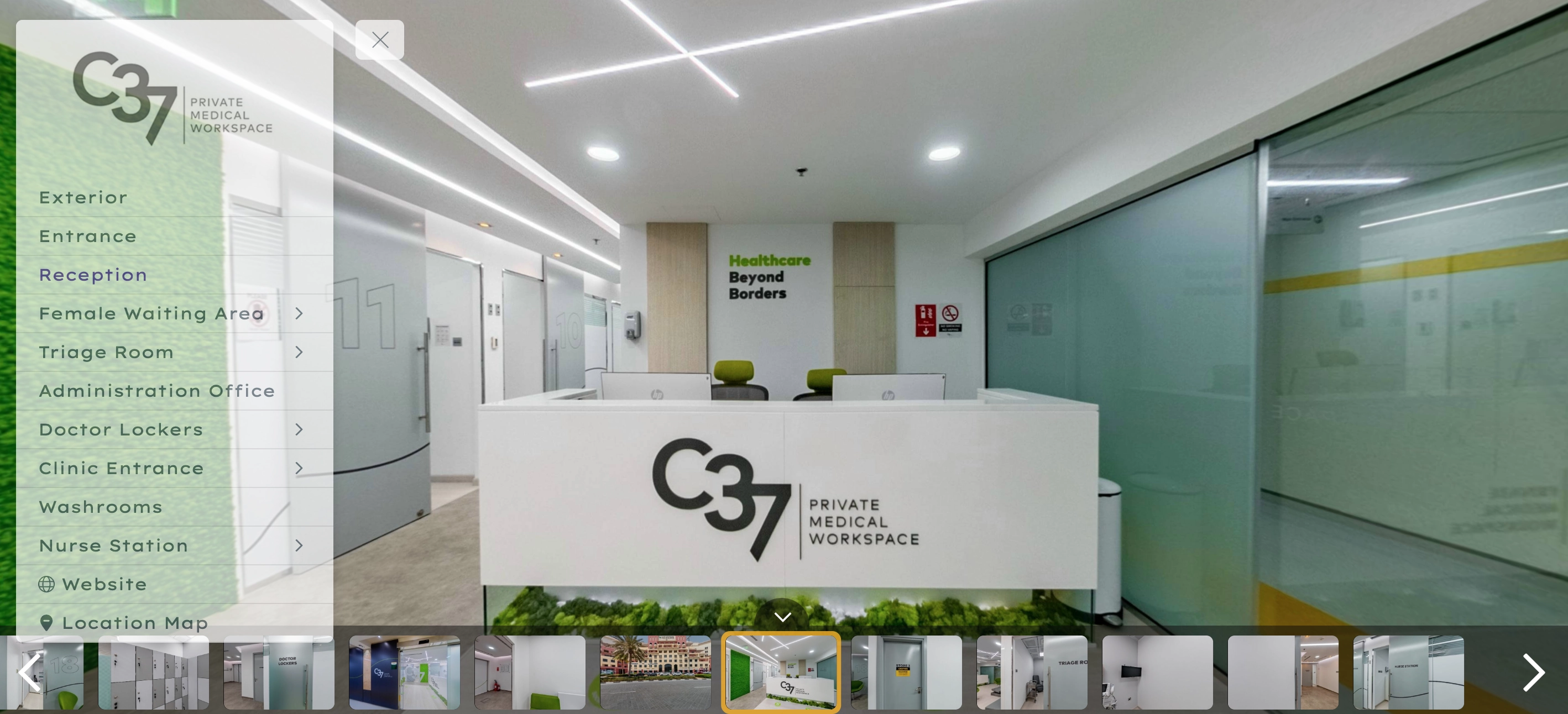
- By WalkThru Media
- 07 Aug, 2026
Adding a 360 virtual tour to a Property Finder listing is straightforward when the link is in the right form, and quietly frustrating when it is not. The most common outcome of a bad link is not an error message. It is a listing that publishes normally with no tour on it, which nobody notices until the agent checks the live page days later.
What the portal expects
Property Finder takes a URL to a hosted tour, not an uploaded file. That single fact explains most of the problems. The tour lives on the provider's servers, or on your own hosting, and the portal embeds or links to it. So the link has to be one that works publicly, permanently, and on its own.
Publicly means no login, no password and no access token tied to your session. A link that opens for you because you are signed in to the tour platform will not open for the portal or for a buyer.
Permanently means the URL should not change. Tours that are re-uploaded or re-exported often get a new address, and the listing then points at nothing. If you re-shoot a property, update the link on the listing rather than assuming the old one still resolves.
On its own means the URL should be the tour, not a page that contains the tour among other things. A link to your own website's portfolio page, with the tour embedded halfway down it, is not a tour link.
The link format that causes the most trouble
Tour platforms often produce several links for the same tour: a share link, an embed code, a preview link and sometimes a link with a starting camera position baked in. The embed code is an HTML snippet with an iframe tag in it. Pasting that whole snippet into a field that expects a URL will fail, because the field wants an address and it has been given a fragment of markup.
What you want is the plain share URL. If a tour provider gives you a URL with camera position parameters attached, that is usually fine and has the pleasant side effect of opening the tour at a chosen viewpoint rather than wherever the capture happened to start.
Why a tour sometimes does not appear
If the listing publishes without the tour, work through these in order. Check that the link opens in a private browsing window, which catches anything that depends on you being logged in. Check that the URL uses https rather than http, because a portal will not embed insecure content into a secure page. Check that the tour provider allows embedding at all, since some platforms block being framed by other sites, and a tour that refuses to be framed will show as a blank panel.
Then check the listing on a phone. A tour that displays on desktop and not on mobile usually means the provider is serving a viewer that the portal's mobile layout will not accommodate.
Check it the way a buyer will see it
The mistake worth avoiding is verifying the tour from the agent dashboard. The dashboard preview is not the live listing, and it does not reproduce what a buyer gets. Once the listing is published, open the public URL, on a phone, on mobile data rather than office wifi, and click into the tour from the listing exactly as a buyer would.
That last step catches the largest category of problems, which is not technical at all: a tour that loads slowly enough on a mobile connection that the buyer leaves before it appears. A tour that takes fifteen seconds to become interactive on a phone has functionally not been added to the listing.
Getting it right at production
What makes a tour link worth adding at all
Getting the tour onto the listing is the mechanical part. Whether it earns its place is a separate question, and it comes down to how the tour behaves in the ten seconds after a buyer taps it on a phone.
Time to first interaction is the measure that matters. A buyer who taps a tour and watches a loading indicator will leave, and the listing has effectively spent its most engaged moment on nothing. Tours that load a very large first panorama before showing anything are the usual culprit. A tour that shows a usable low-resolution view immediately and sharpens as it loads will hold far more people than one that waits until everything is ready.
The opening view matters almost as much. A tour that starts pointing at a blank wall or a hallway wastes the moment of highest attention. Where the platform allows a starting camera position to be set, point it at the best thing in the property, which is usually the main living space or the view.
Keeping the link working over time
Portal listings are edited, duplicated and relisted, and the tour link is one of the fields most often lost in that process. When a listing is duplicated for a relisting, check that the tour field carried across and still resolves.
It is also worth keeping a record of which tour belongs to which unit, particularly for portfolios of similar apartments in the same building. Tours of near-identical units are easy to attach to the wrong listing, and a buyer who arrives at a viewing to find a different layout has a legitimate complaint.
Every 360 virtual tour we deliver comes with a hosted link and an embed code, clearly separated, so there is no guessing about which one goes into a portal field. The link is stable, opens without a login, and works on a phone. Tours are delivered for listings across Dubai and Abu Dhabi, including Downtown Dubai and Palm Jumeirah, and the same link works on Bayut and Dubizzle as well.